Install DeployGate Android App Directly
To install an app distributed on DeployGate, you first need to install the DeployGate app. Here, we explain how to install the DeployGate app using methods other than Google Play.
Please follow the steps below by clicking the download link.
Download DeployGate Android App
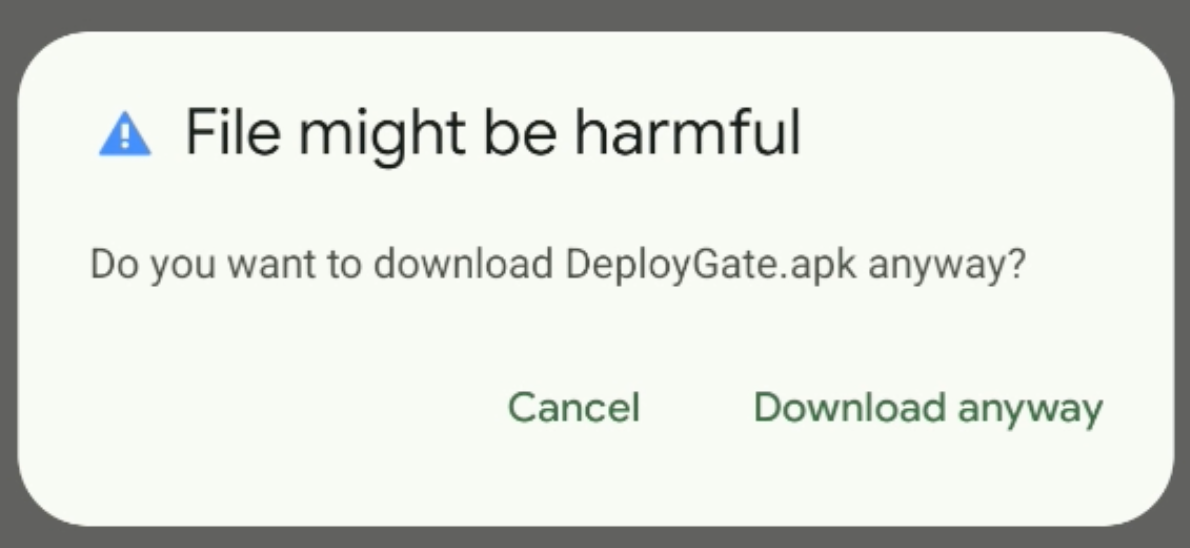
Step 1: Download the File
Clicking the download link will start downloading the DeployGate app. If a warning appears, click "Download anyway."
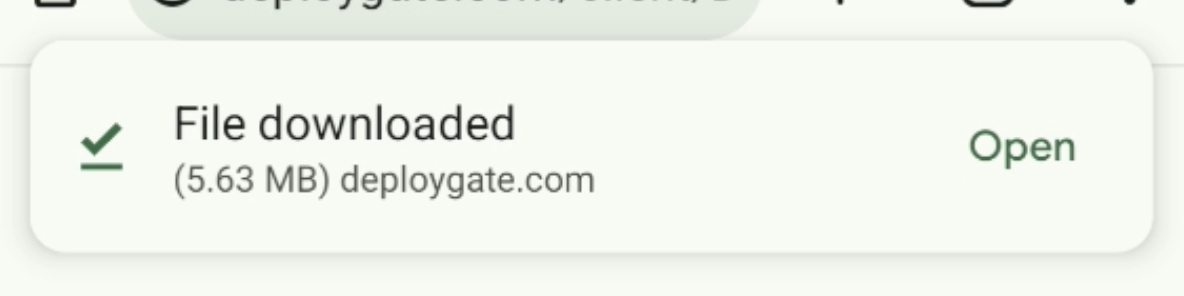
Step 2: Open the File
Once the download is complete, a notification will appear. Click "Open" in the notification.
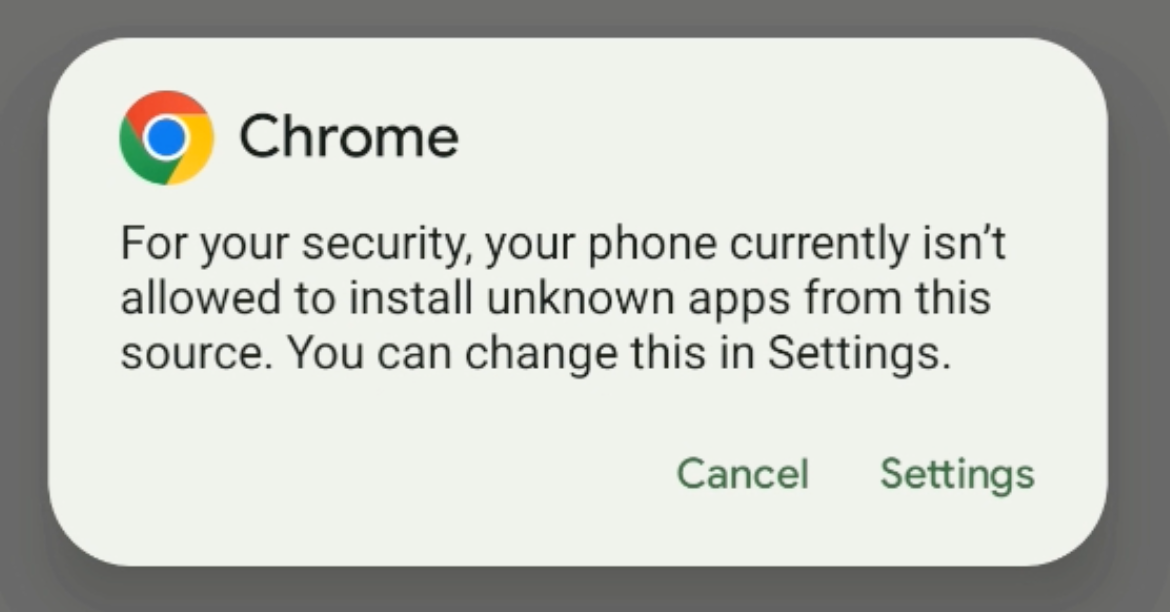
Step 3: Warning Dialog
Opening the file will display a warning dialog. Click "Settings" to proceed to the settings screen.
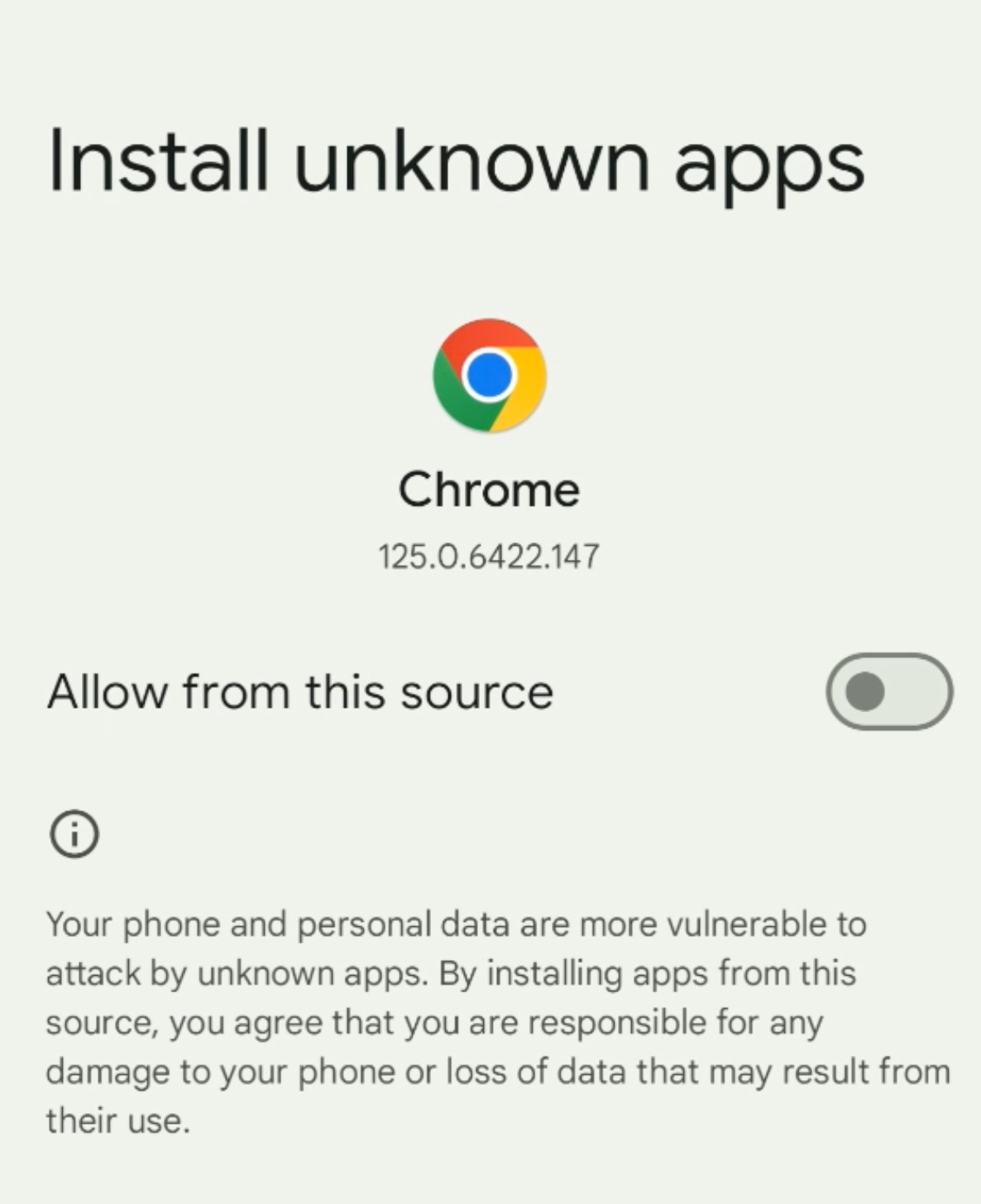
Step 4: Allow App from This Source
Enable "Allow from this source" in the settings screen.
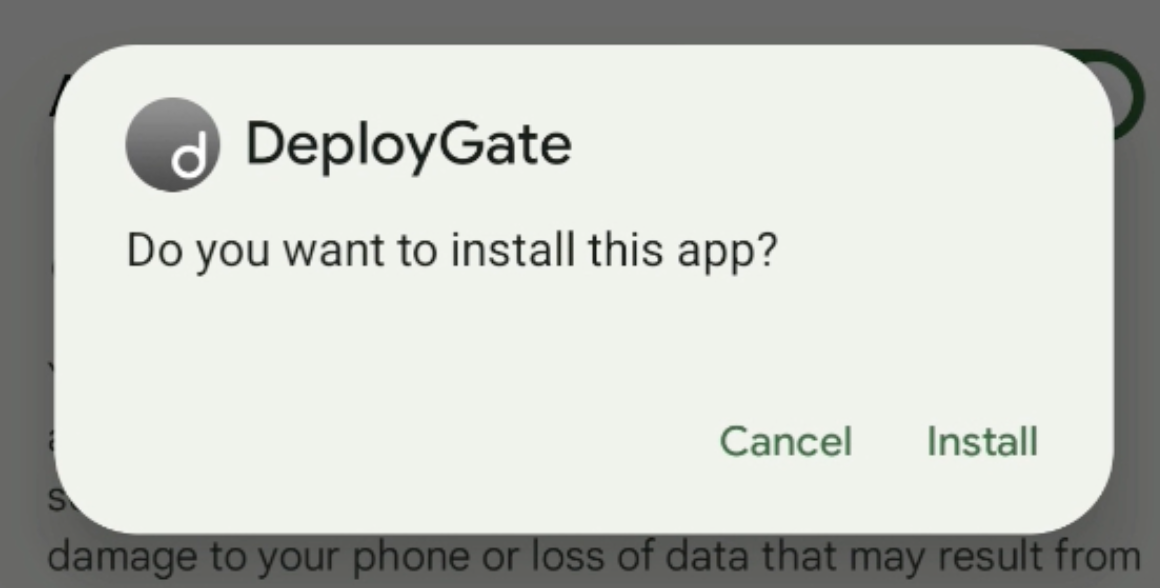
Step 5: Install the App
Once enabled, the installation screen will appear. Click "Install" on the screen.
Step 6: Google Play Protect Warning
As the installation progresses, a Google Play Protect warning will appear. Click "Scan app" to perform the scan.
Step 7: Install the App After Scanning
After the scan is complete, the installation screen will reappear. Click "Install" on the screen.
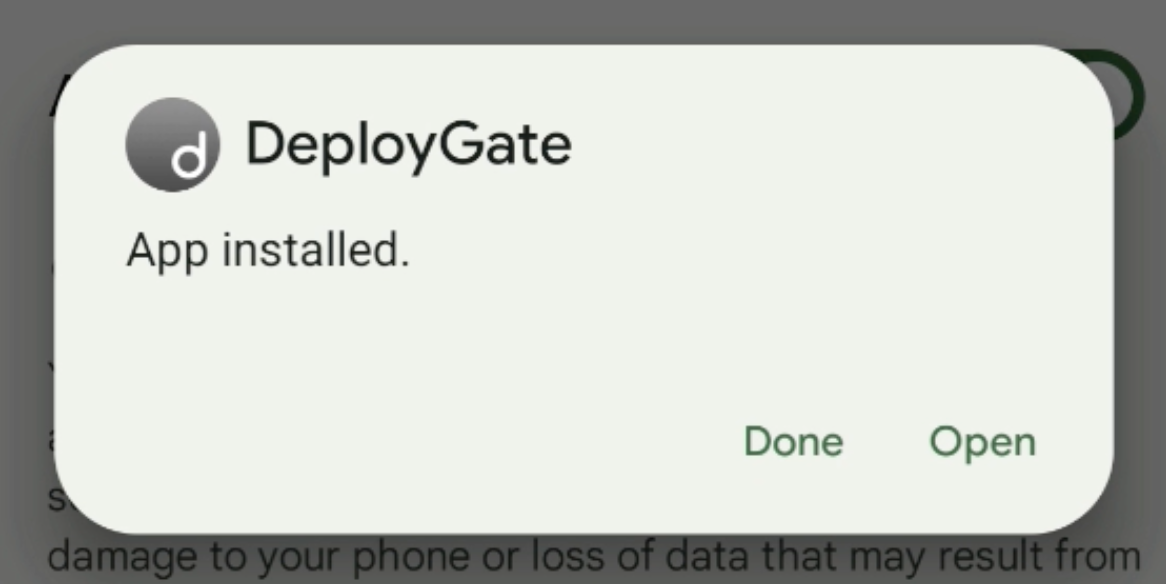
Step 8: Installation Complete
This completes the installation of the DeployGate app. When you open the DeployGate app, you can continue installing other apps.