DeployGate Agent Plugin
The DeployGate Agent Plugin integrates DeployGate with your AI coding agent. Through natural-language conversation you can upload your mobile app, share a distribution page, set up CI/CD, and onboard your team — without leaving the editor. The plugin supports iOS (IPA) and Android (APK/AAB), and runs on Claude Code and Codex.
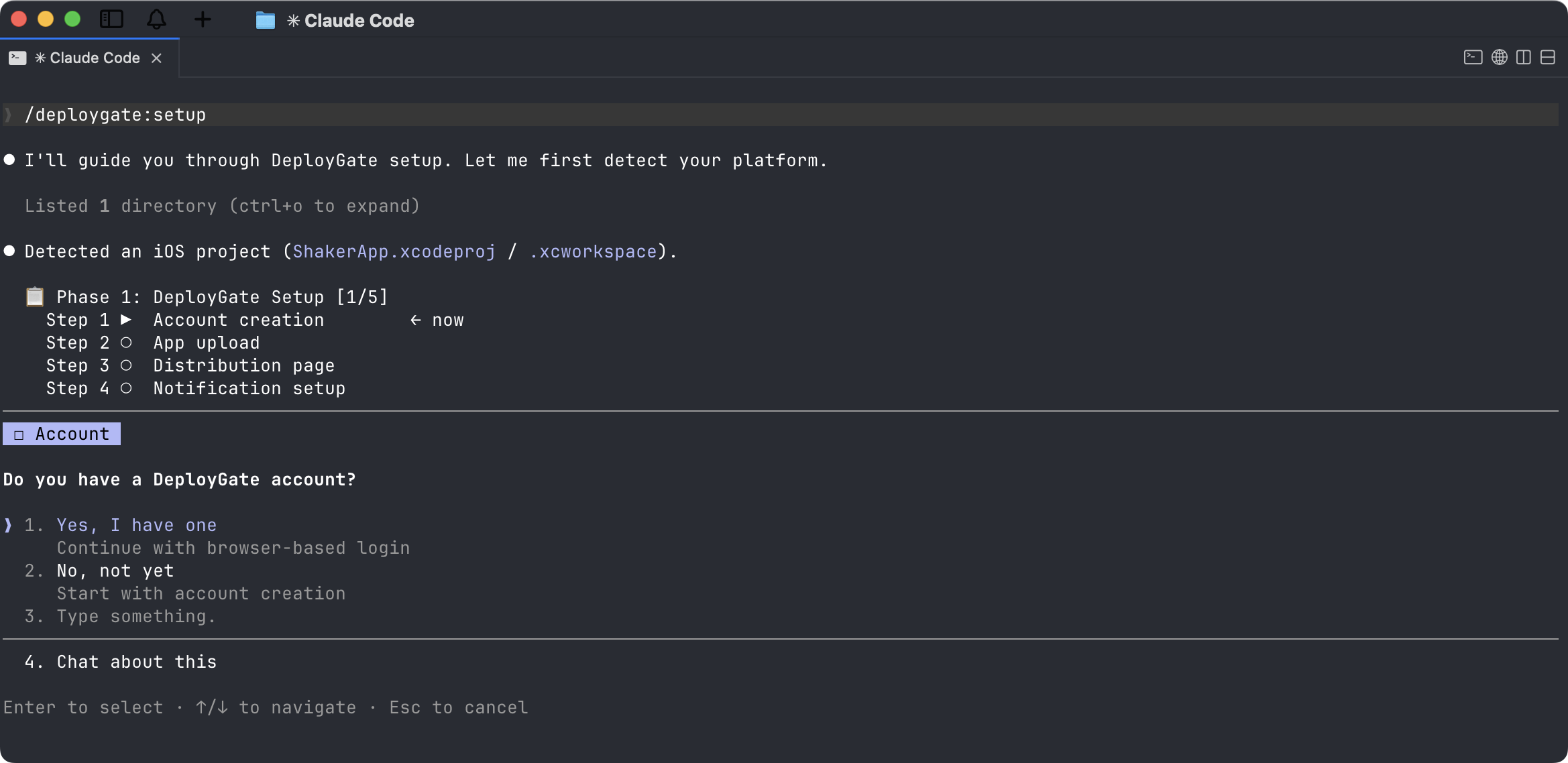
What you can do
- Upload IPA / APK / AAB from your local build
- Create and manage distribution pages, including a preview page for every pull request
- Set up CI/CD (GitHub Actions, Bitrise, CircleCI, Codemagic)
- Add the DeployGate SDK to your Android app for crash reporting and screen-capture bug reports
- Invite teammates and manage shared teams
First time here?
Start with Getting Started — it walks you from installing the plugin to your first upload in a single guided flow.
Using another MCP client?
The plugin's tools are also published to npm as the @deploygate/mcp server, so you can use them from any MCP-compatible client (Claude Desktop, Cursor, Cline, VS Code, …) via npx. See Standalone MCP Server.
Reference
The pages below are reference material. You do not need to read them to get started — your agent drives them on your behalf.
- Slash Commands — what each
deploygate:*command does and when to use it - GitHub Actions Templates — the workflow files installed by CI setup
- MCP Tools — low-level tool reference for integrators
Source
The plugin is open source. See the GitHub repository for source code, issue tracking, and release notes.