Install Disributed Apps on iOS 17 or Later Devices
This guide explains how to install an app under development on a device running iOS 17 or later.
If you are using a device running an iOS version earlier than 17, please refer to this page.
Install the DeployGate iOS App
Download the DeployGate app for iOS from this page.
Installing a Distributed App
Installing an App Distributed via Link Distribution
If you have not installed it yet, please complete this step first.
The app will be shared with you via a distribution page URL or QR code.
If you receive an app through link distribution, you can access only the single revision specified by the developer from the distribution page.
If you are unsure whether the app was shared through link distribution, please check with the developer.
For details on the differences between the two distribution methods, please refer to this page.
- Open the shared link in the Safari browser and tap
Subscribe (for iOS).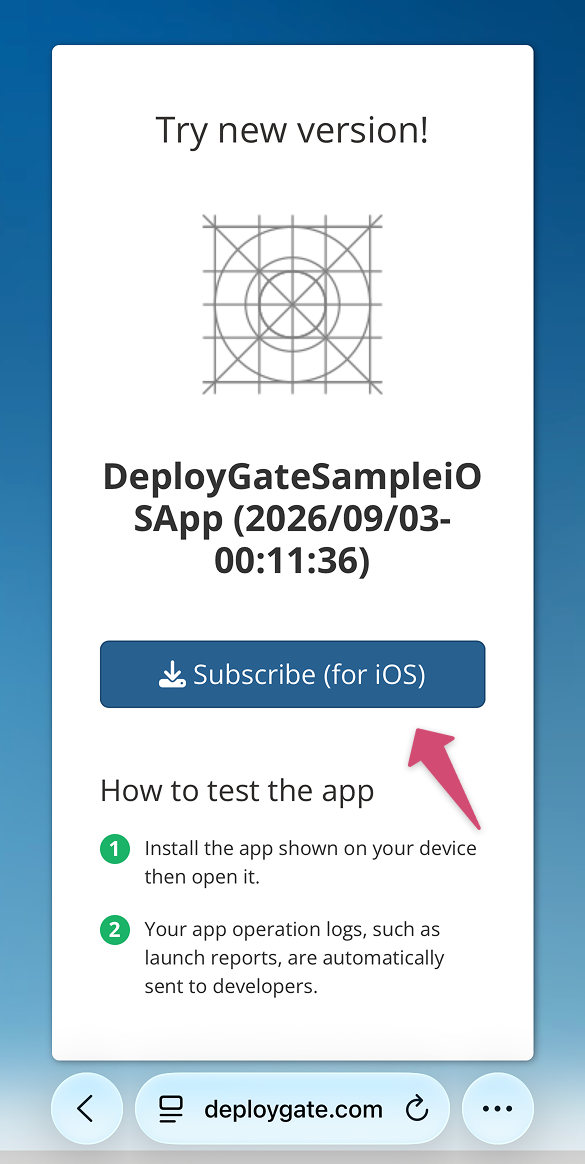
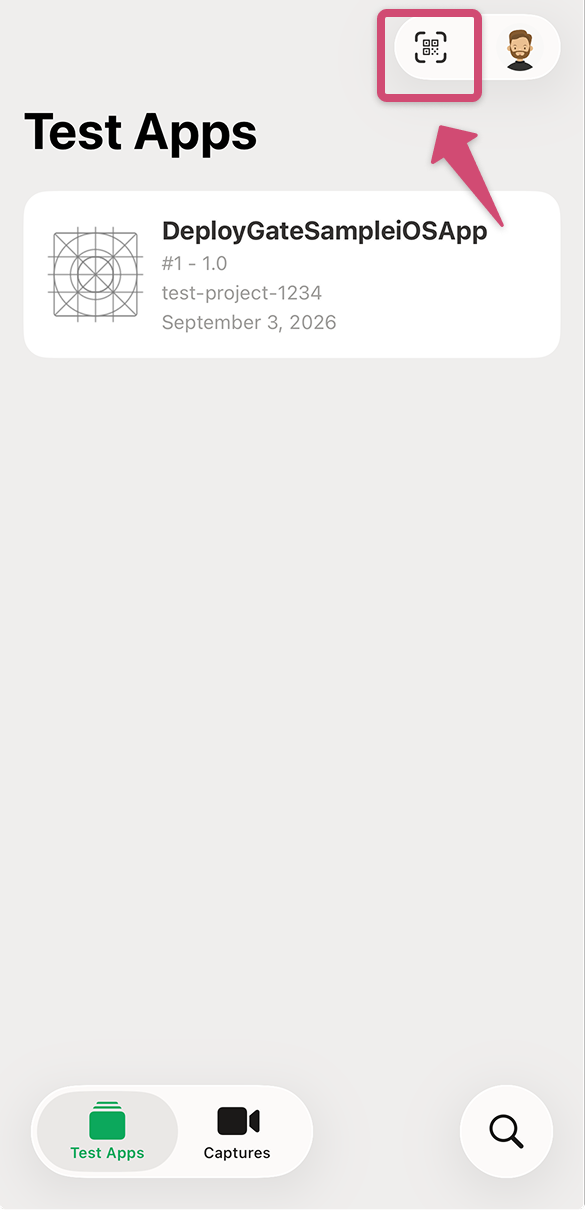
If you want to access the distribution page using a QR code, tap the icon in the upper-right corner of the DeployGate app to scan it.
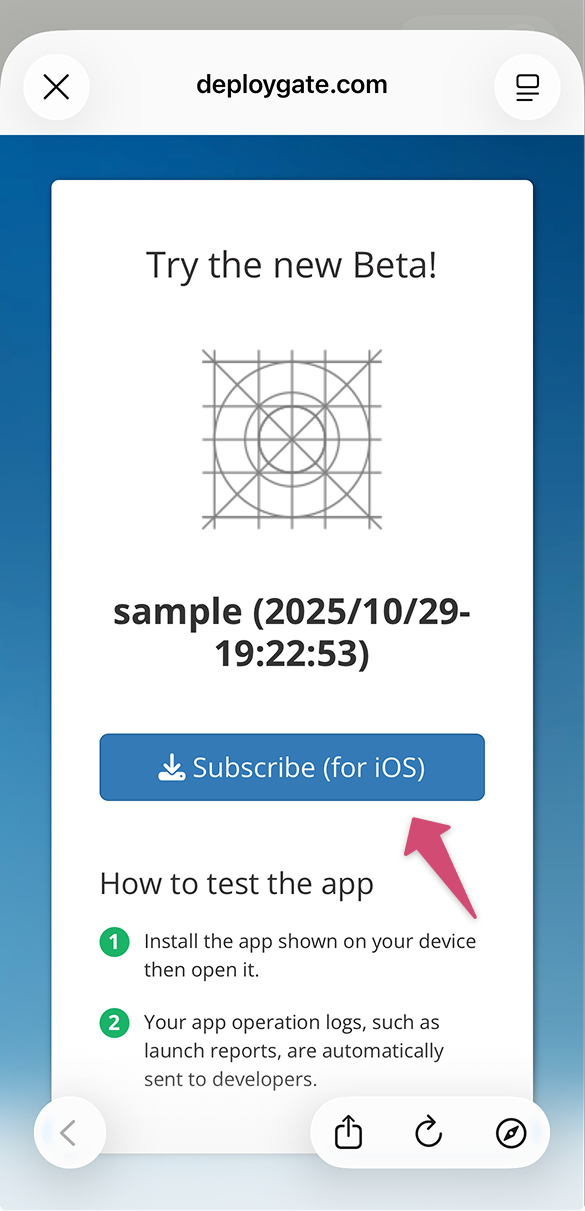
After scanning the QR code, the same page that appears when opening the link in a browser will be displayed. Tap Subscribe (for iOS).
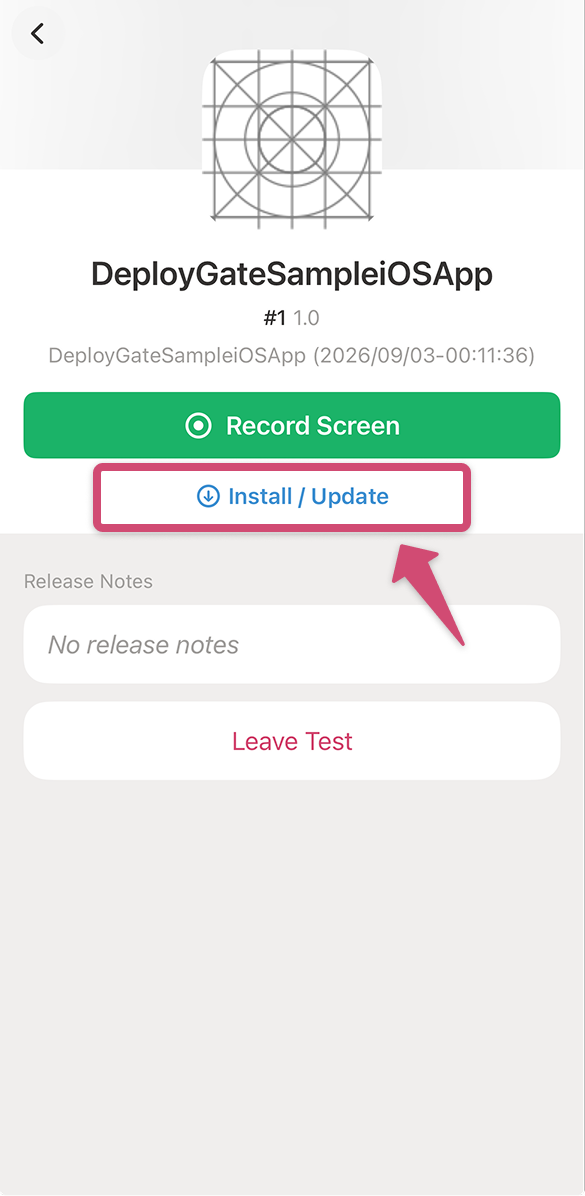
- The details screen of the shared app will appear in the DeployGate app. Tap
Install / Update.
Installing an App Distributed via Member Distribution
If you have not installed it yet, please complete this step first.
You can view a list of apps under development that are available for installation in the DeployGate client app.
You can also install any revision of an app you have been granted access to, allowing you to compare different revisions and isolate errors.
If you are unsure whether the app was shared through member distribution, please check with the developer. For details on the differences between the two distribution methods, please refer to this page.
-
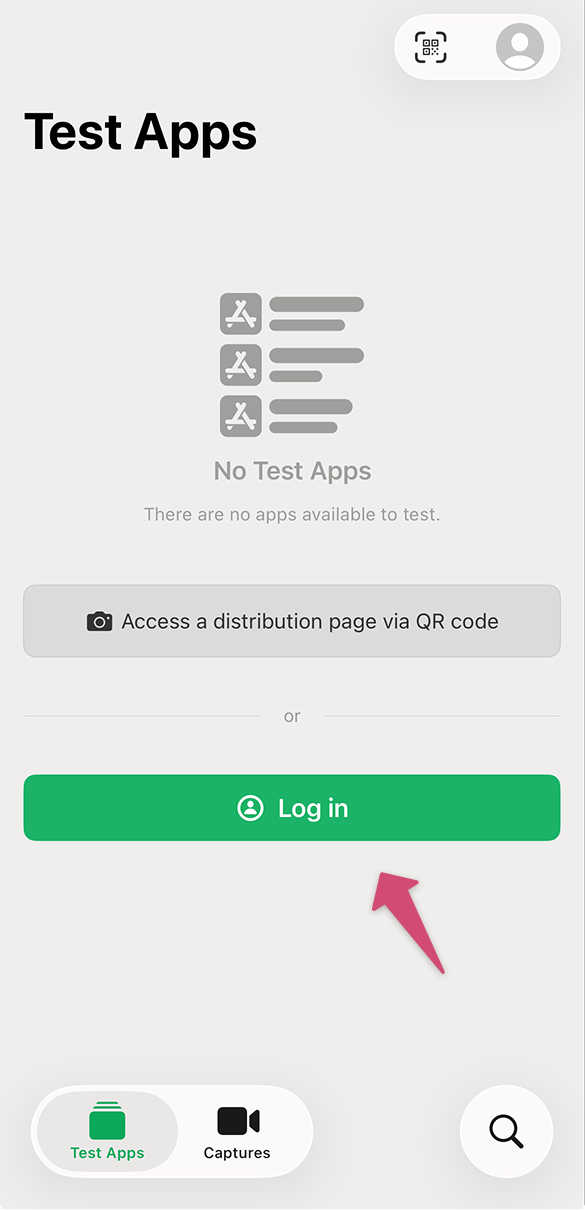
Log in to the DeployGate app.
-
Apps distributed to you through member distribution will appear in the
Test Appstab. Tap the app you want to install.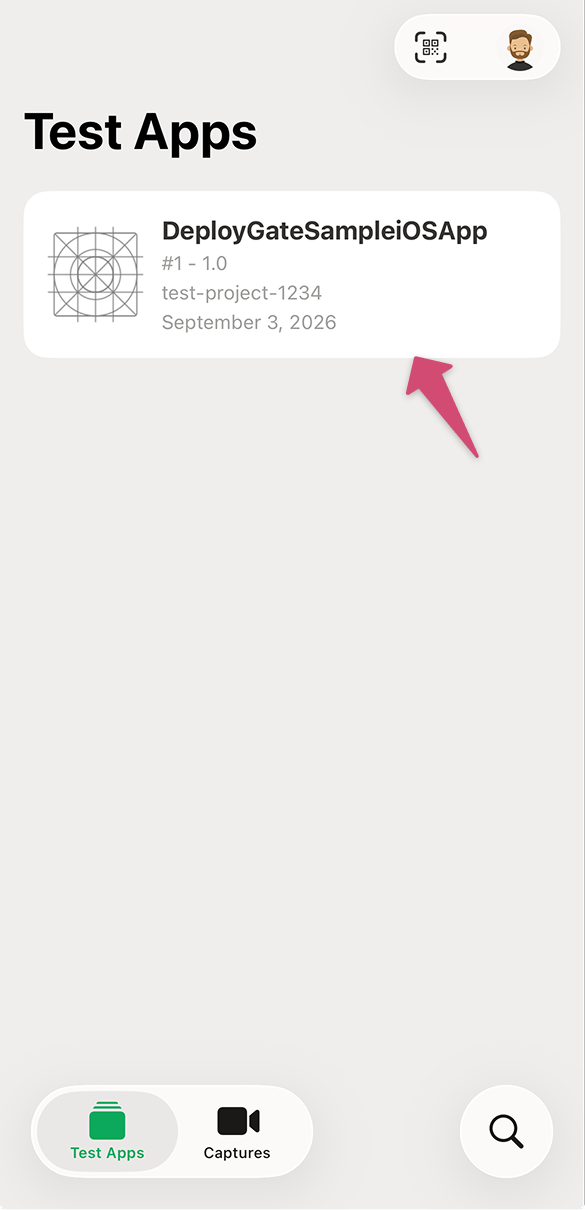
-
On the app details screen, tap
Install / Update.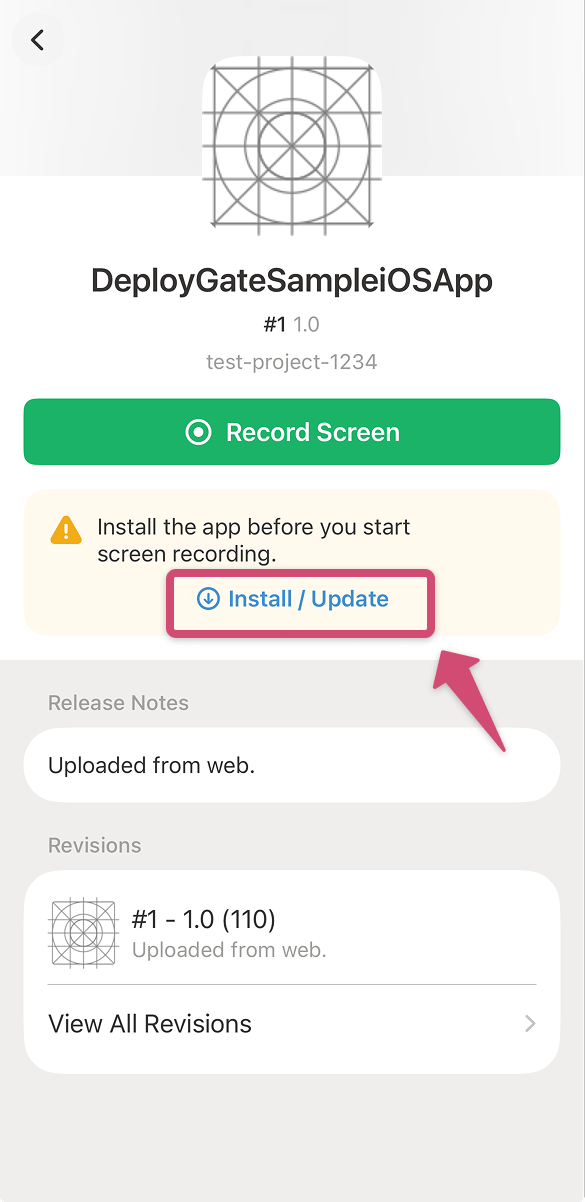
-
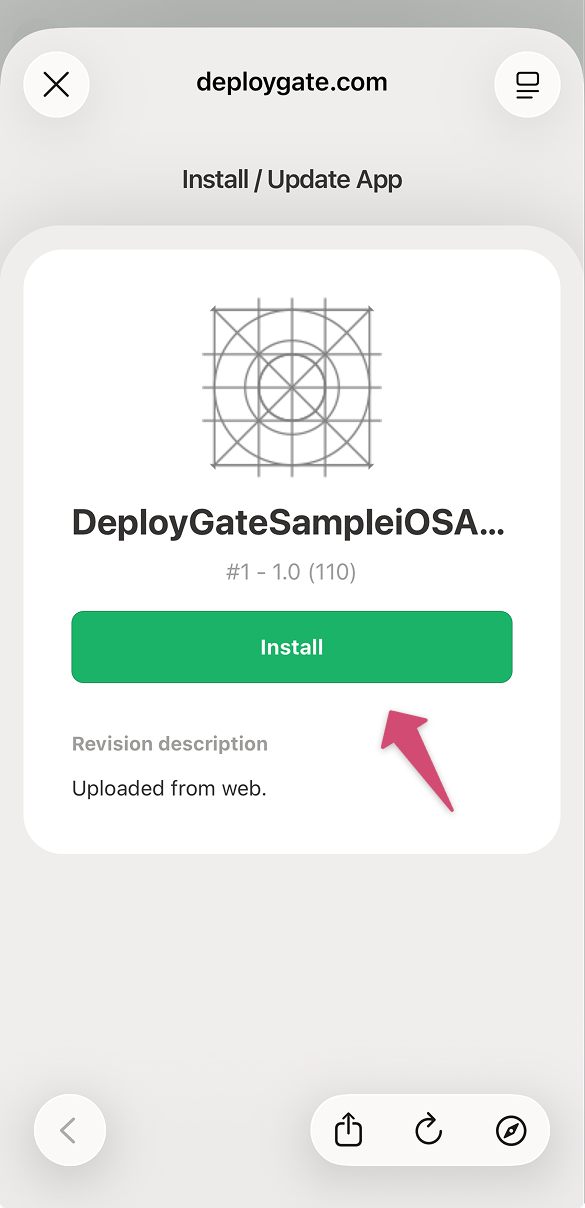
The app installation page will appear. Tap the
Installbutton to install the app.