1. Sign Up DeployGate
To use DeployGate, you must create an account.
On this page, we will outline the steps to create a DeployGate account.
If you’ve been invited to join a Workspace by another user, you must sign up through the URL included in the invitation email. *Please visit here for more information on how to sign up if you’ve been invited.
1.1 Sign up
*To verify that the email address belongs to you, DeployGate will send an email to the address you register. Authentication is completed using the verification code included in the email, so please make sure you are able to receive emails before proceeding.
-
Visit the following page https://deploygate.com/app/register/signup.
-
Click the
Agree and proceed to registrationbutton. A verification email will be sent to you.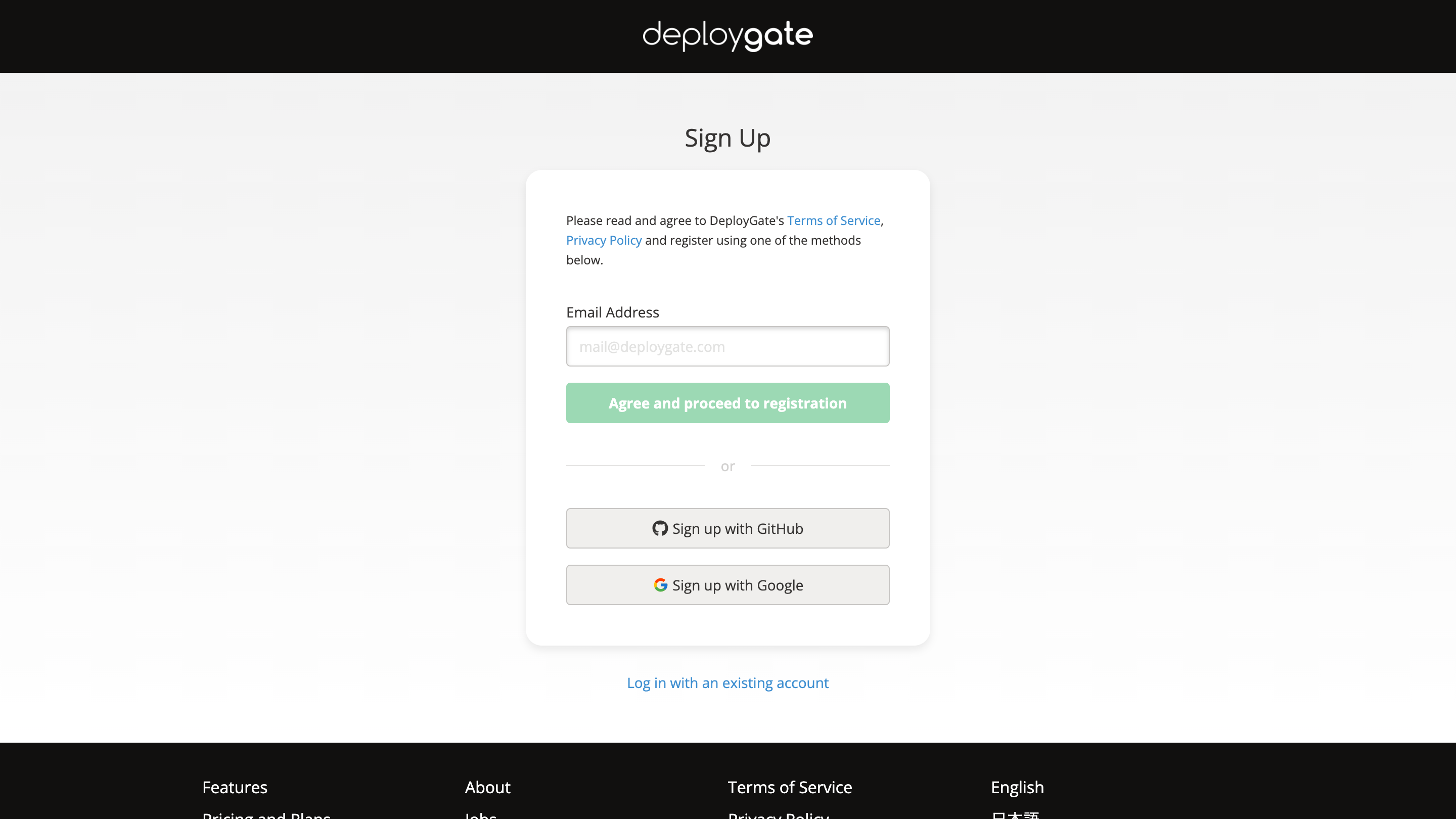
- If you cannot find the email from DeployGate in your inbox, please check your spam folder.
- If you cannot locate the email in the spam folder, please try another email address.
-
When the following screen appears, check your inbox for the email. Enter the 6-digit number from the email into the “Verification Code” field and click the
Nextbutton to submit.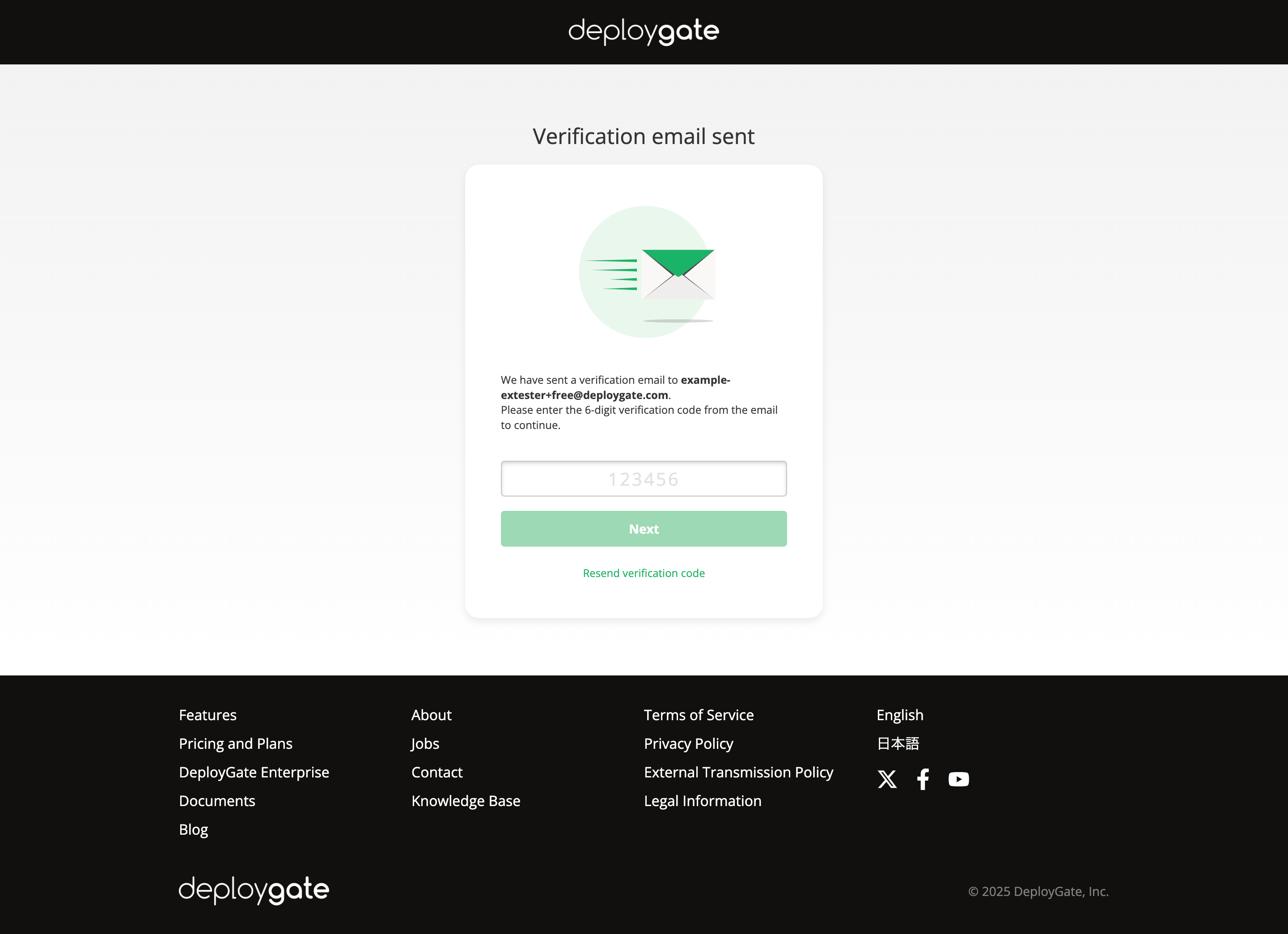
-
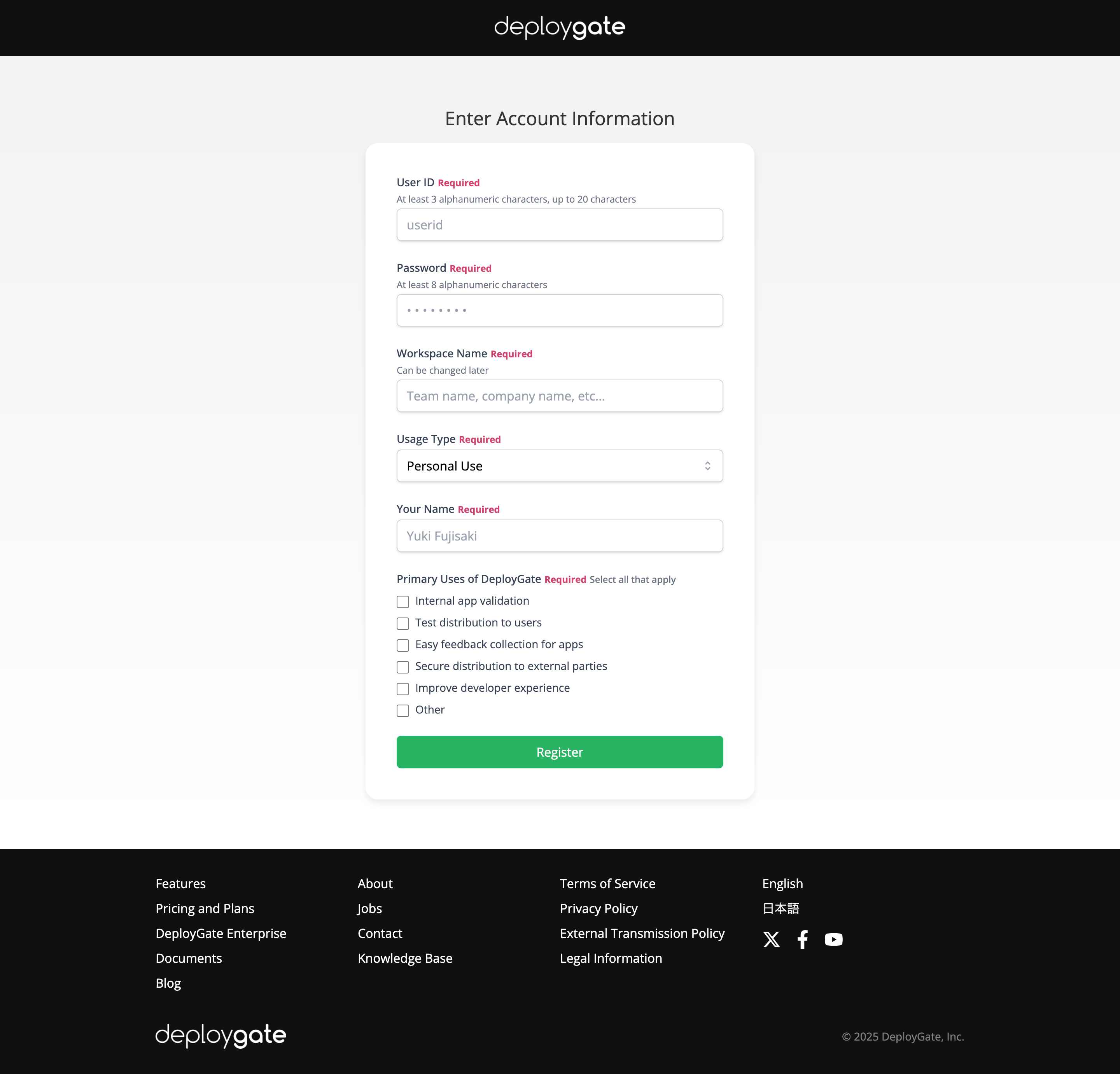
Fill in all the required fields and complete your registration.