4. Mastering DeployGate with More Convenient and Advanced Features
DeployGate provides tools to support a more efficient application development cycle.
Here are some convenient features to try:
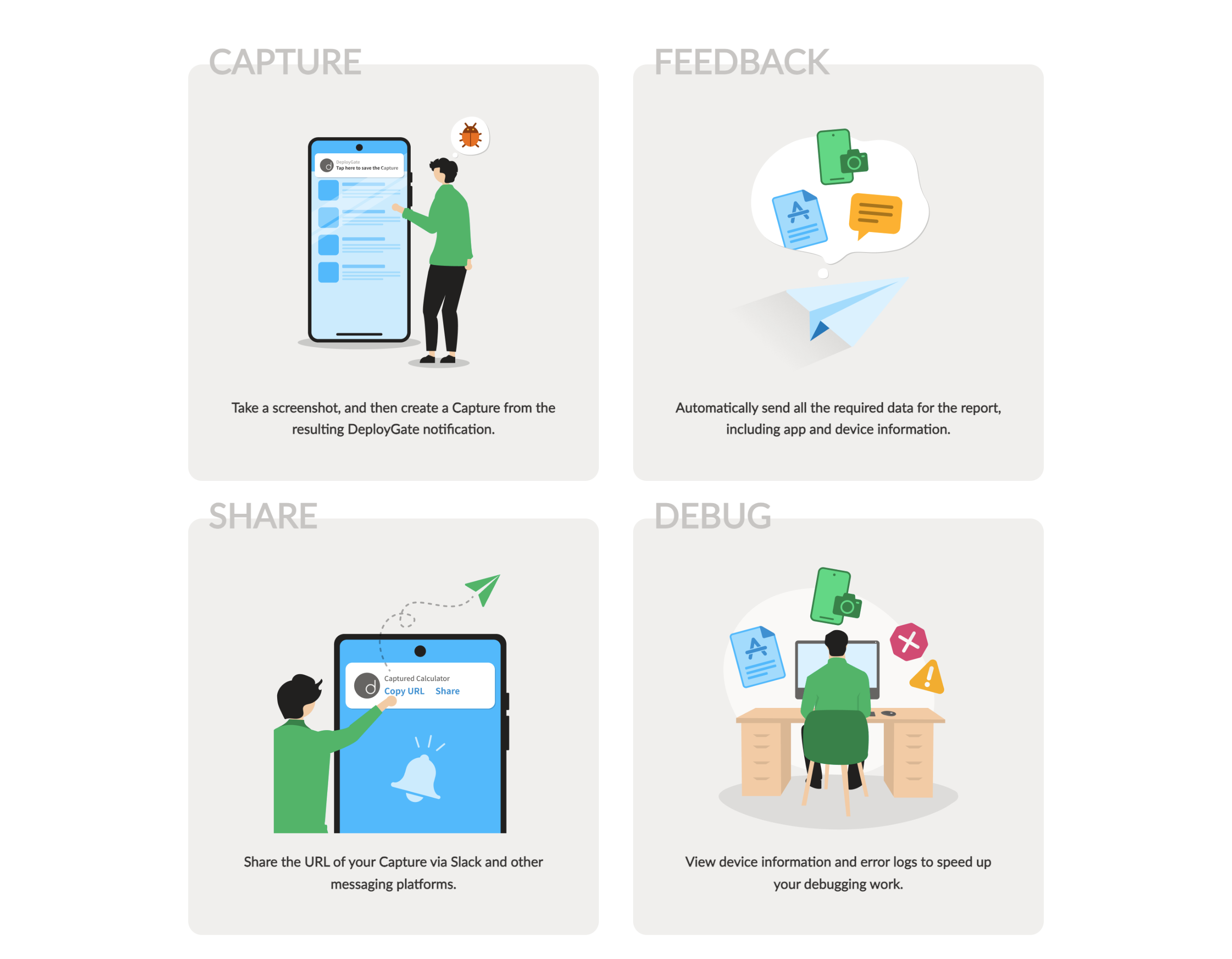
4.1 Using Capture to Collect Feedback on Distributed Apps
The Capture feature makes it easy to report bugs with Screenshots of the issue. With this feature, taking a Screenshot of an app under development allows the DeployGate app to automatically collect:
- Logs from just before the Screenshot was taken
- Device information
- Information about installed apps
- Other details useful for debugging
This data is then easily shareable between developers and testers.
For more details, refer to Developer Guide: Capture Feature
The Capture feature is only available with Member Distribution or Link Distribution with the members-only Privacy setting.
Currently, only Android apps are supported.
4.2 Integrating Chat to Receive Notifications
By integrating DeployGate with your chat service, you can effortlessly share various updates that occur during app development with your entire team.
→ Chat Notification
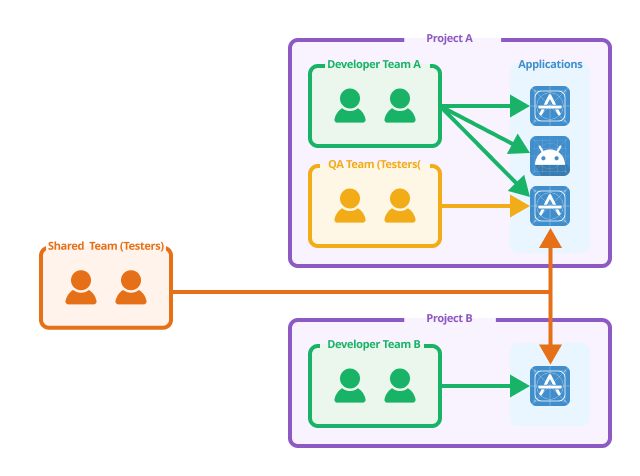
4.3 Using Shared Teams to Share Testers Across Projects
The Shared Team feature allows you to share teams across Projects within a Workspace.
This is useful when a particular department requires constant access to multiple development apps, such as a dedicated internal QA team.
→ Creating Shared Teams
4.4 Streamlining Development Cycles with the API
Leveraging DeployGate's API can help reduce manual tasks and improve operational efficiency.
For detailed specifications and sample code, please refer to this page.
→ DeployGate API Reference