What is Instant Device?
This feature is provided as a beta version. Features may be changed or restricted without prior notice.
Instant Device supports apps up to 1.5GB. Apps larger than this are not supported.
What is Instant Device?
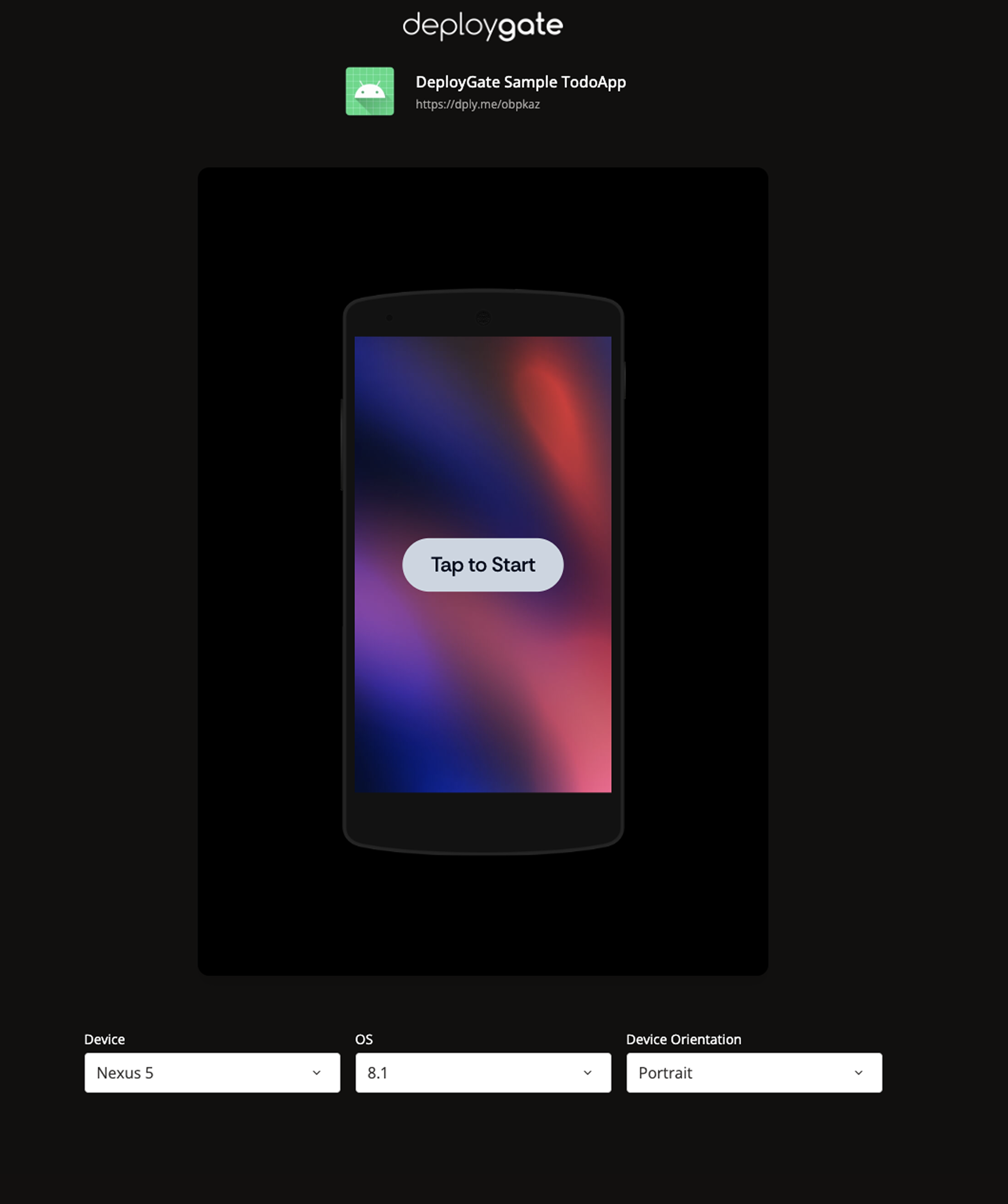
Instant Device is a feature that allows you to launch and operate mobile apps directly in your browser from a DeployGate Distribution Page. You can verify your app's behavior across various devices and OS environments without having physical smartphones or tablets.
Benefits of Using Instant Device
1. Launch Apps Instantly
Simply open a URL to launch your app in your browser. No need for physical device preparation, USB connection, UDID registration, or installation procedures.
Choosing the Right Verification Method
App verification during development can be divided into two phases:
- Primary Verification: Basic functionality checks such as UI display, text content, and screen transitions
- Secondary Verification: Performance on physical devices, integration with OS-specific features (camera, notifications, location services, etc.), and device-specific behavior verification
Instant Device is ideal for primary verification. When you determine that detailed verification on a physical device is necessary, you can transition to physical device installation from the same Distribution Page.
2. Share via URL
Simply share the Distribution Page URL, and team members can verify the app in their browsers.
- Share by posting URLs in Slack, GitHub Issues, etc.
- The entire team can discuss while viewing the same version
- No need to explain installation procedures
3. Streamline Minor Verification Tasks
Physical device installation is unnecessary for verifying minor changes such as text corrections or button color changes.
- Complete verification instantly in browser
- Spend time on detailed aspects that can only be verified on physical devices
- Clear prioritization of verification tasks
4. Accessible to Stakeholders Without Physical Devices
Anyone with a PC browser can verify app behavior.
- Stakeholders without physical devices can verify
- Accessible without technical knowledge
- Easy to share the latest version status
5. Reduce Device Purchase Costs
You can verify app behavior on multiple devices without having physical devices on hand.
- No need to purchase test devices
- Reduce device management and maintenance costs
- No storage space required
6. Supported Devices
Supports the following devices and operating systems:
| Supported OS | Supported Devices |
|---|---|
| iOS | iPhone 8 to 16 Pro Max, iPad Air, iPad Pro 12.9, iPad, iPad mini |
| Android | Nexus 5, Pixel 4 to Pixel 9 XL, Galaxy Tab S7, Pixel Tablet |
Key Features
Launch and Operate Apps Directly in Browser
Launch apps with one click from the Distribution Page. You can perform operations just like on a physical device, including tap, swipe, text input, and more.
- Immediacy: Open a URL and launch the app in seconds
- Convenience: No physical device preparation or installation procedures required
- High Fidelity: Not just a screen simulator—operate apps in an environment close to physical devices
- Multi-platform: Supports both iOS and Android apps
Launch Multiple Devices Simultaneously
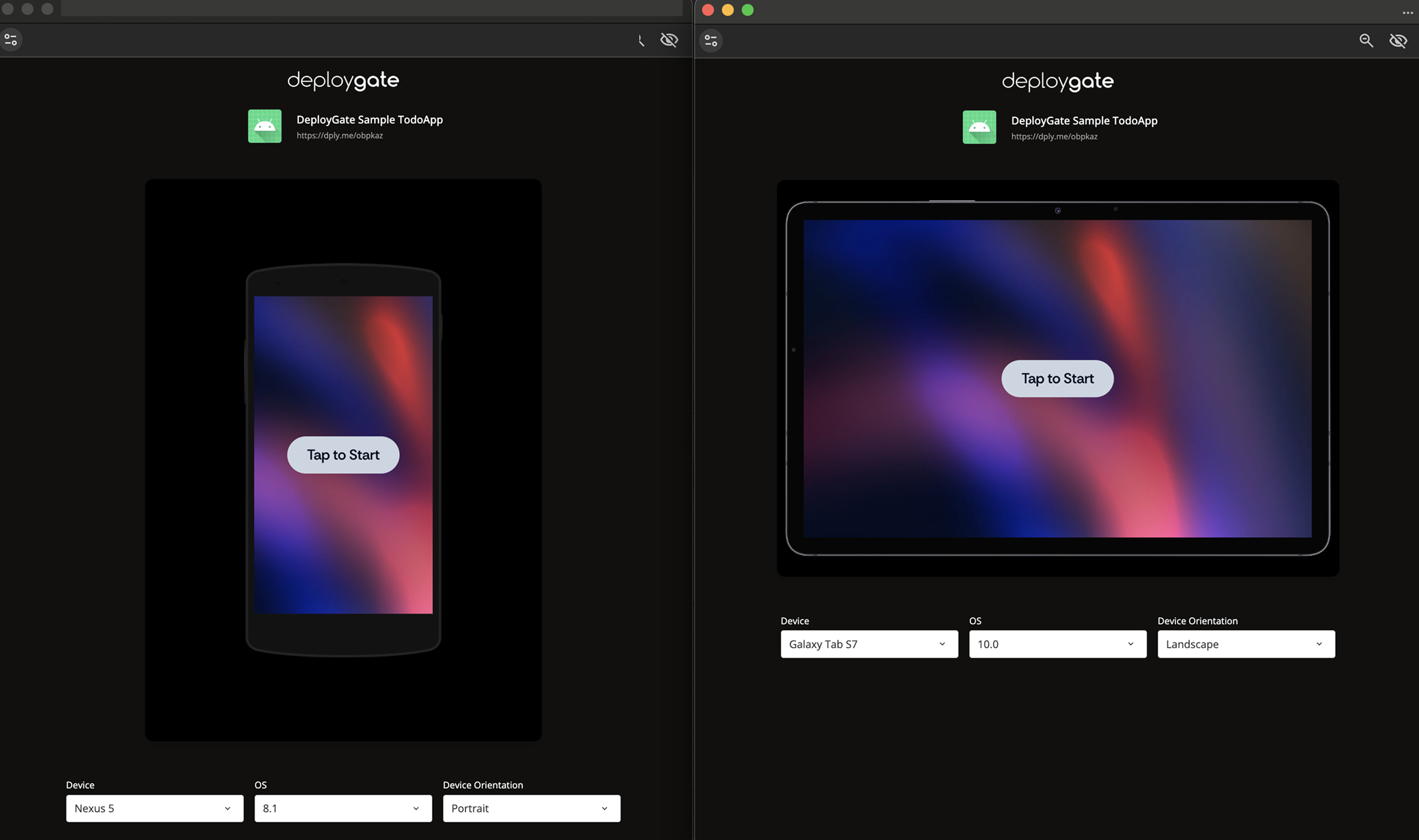
By opening multiple Instant Device browser windows, you can compare behavior across different device models and operating systems side by side.
Switch Screen Orientation
You can freely switch between Portrait and Landscape orientations to verify your app's screen rotation handling.
Target Users
Instant Device is available to Workspace members.
For instructions on how to add members, please see this page. When accessing a Distribution Page, make sure to log in with a member account.
Next Steps
For more information on how to use Instant Device, please see the following pages:
- Getting Started with Instant Device - Introduction guide for first-time users
- How to Use Instant Device - Operation methods and useful features
- Instant Device Use Cases - Specific use case examples